Back to search results for "cx300"
How to Test a Cable Antenna on the CX300
9:08
Description
Related Videos
A step-by-step process showing how to test VSWR, Return Loss and DTF on cables using the CX300 ComXpert.
View More
View Less
Related Videos
For "cx300"
-
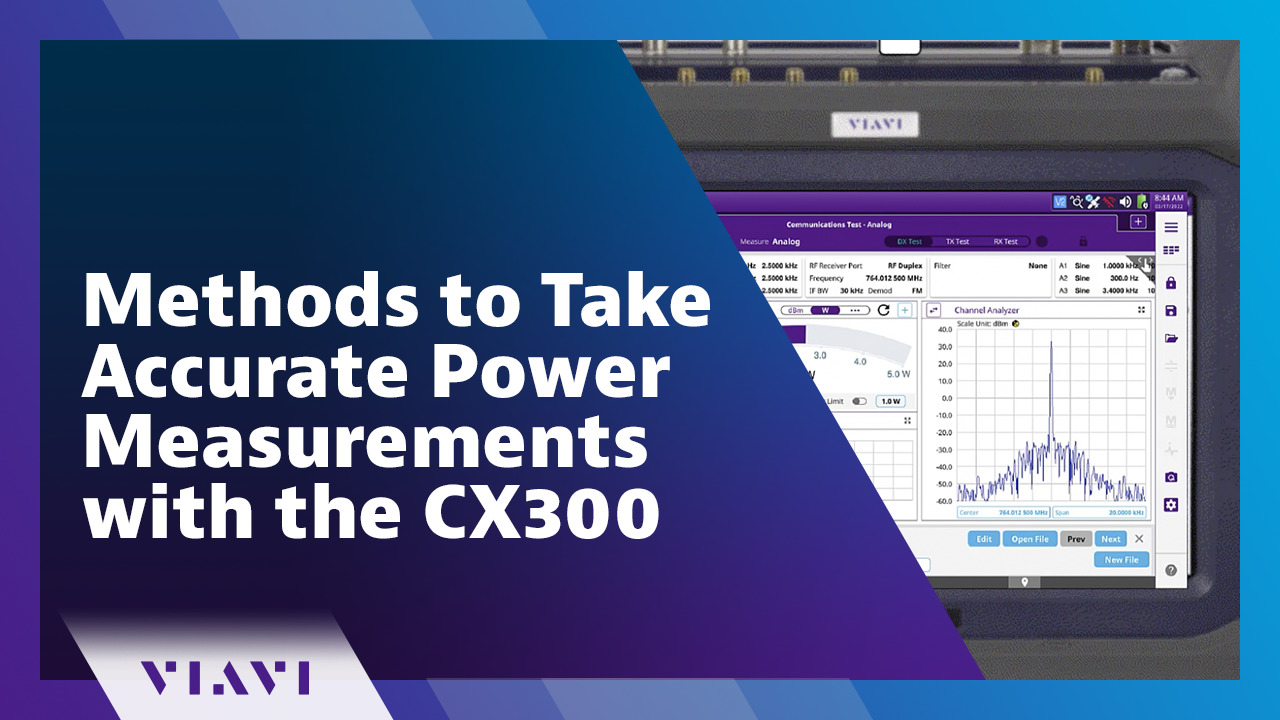
Play video Methods to Take Accurate Power Measurements with the CX300
Methods to Take Accurate Power Measurements with the CX300
A step-by-step process to take accurate power measurements.
3:29
-
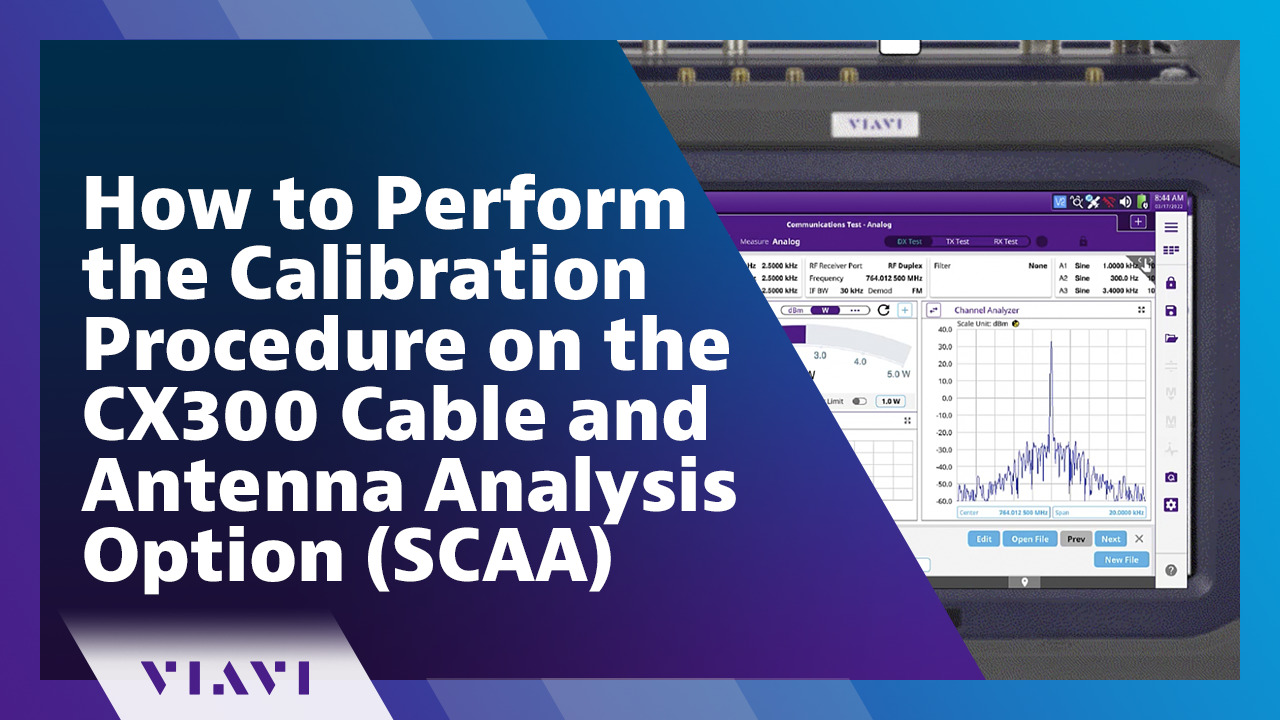
Play video How to Perform the Calibration Procedure on the CX300 Cable and Antenna Analysis Option (SCAA)
How to Perform the Calibration Procedure on the CX300 Cable and Antenna Analysis Option (SCAA)
A step-by-step process showing how to calibrate the Cable and Antenna Analysis option using the Short-Open-Load calibration kit.
6:39
-
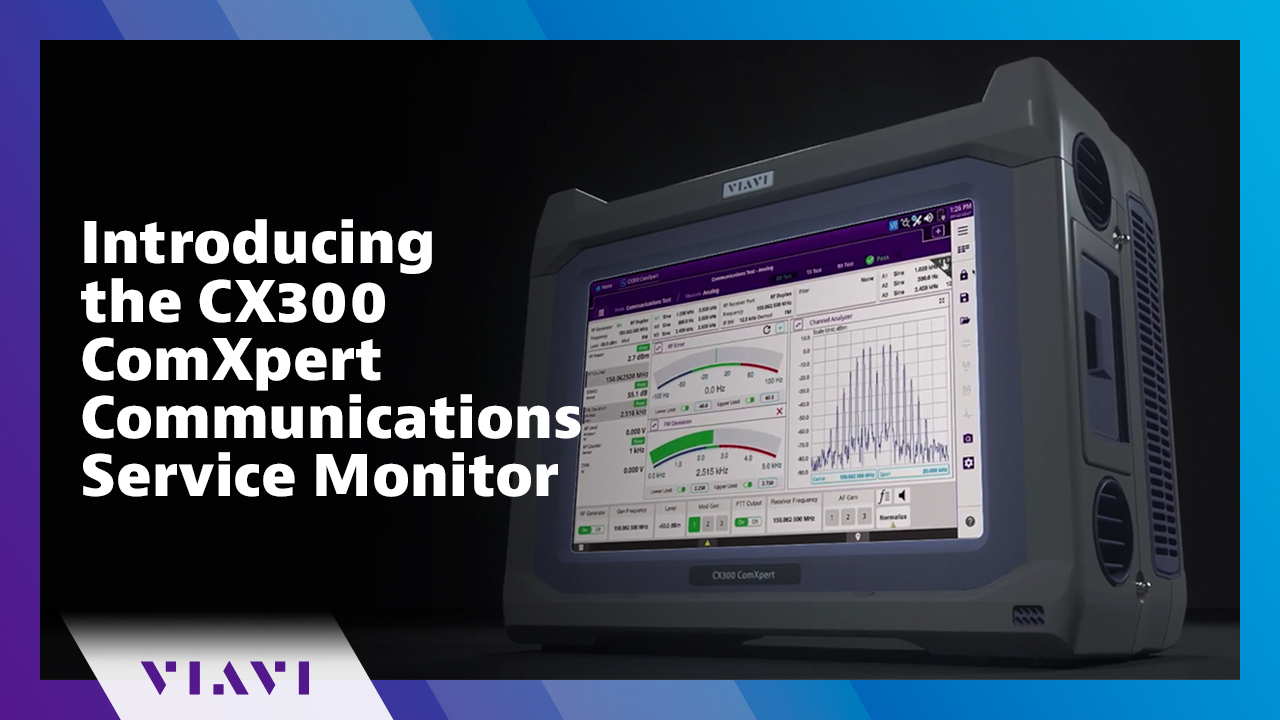
Play video Introducing the CX300 ComXpert Communications Service Monitor
Introducing the CX300 ComXpert Communications Service Monitor
A complete communications test solution capable of testing everything from portable radios, to complex infrastructure, to broadband networks.
3:54
-
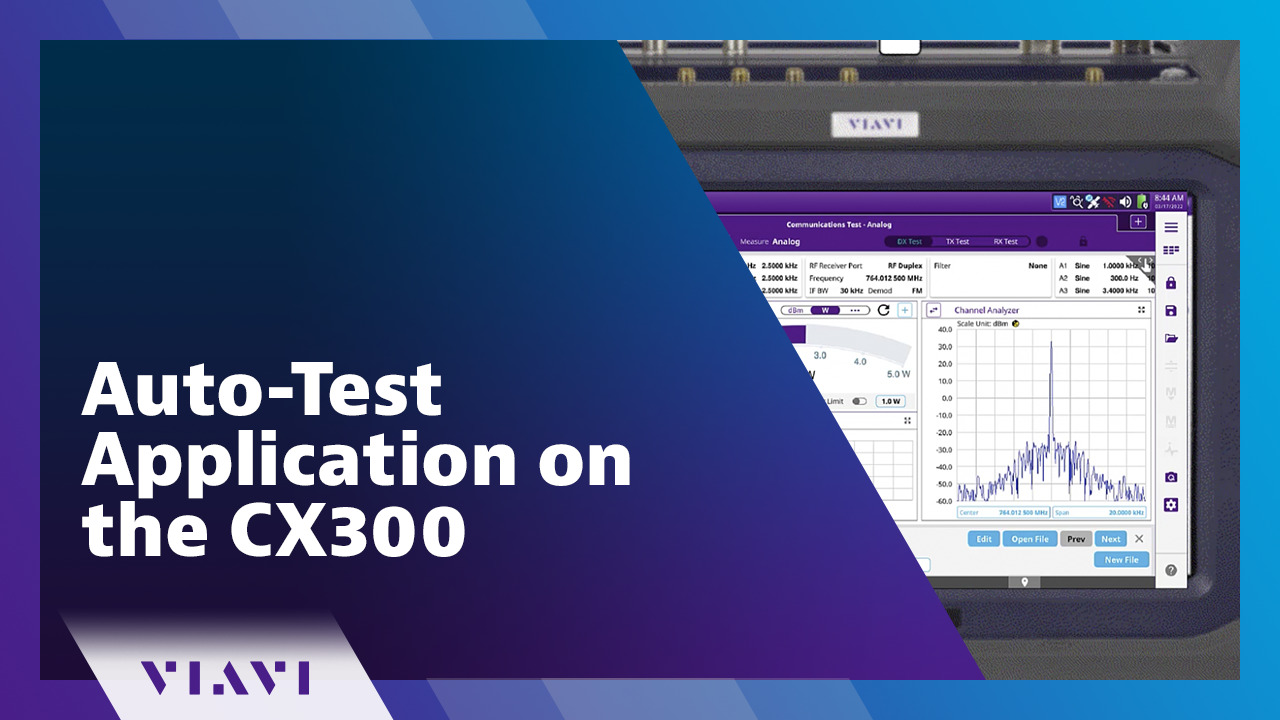
Play video Auto-Test Application on the CX300
Auto-Test Application on the CX300
A step-by-step process showing the Auto-Test Application on the CX300 ComXpert.
11:27
-
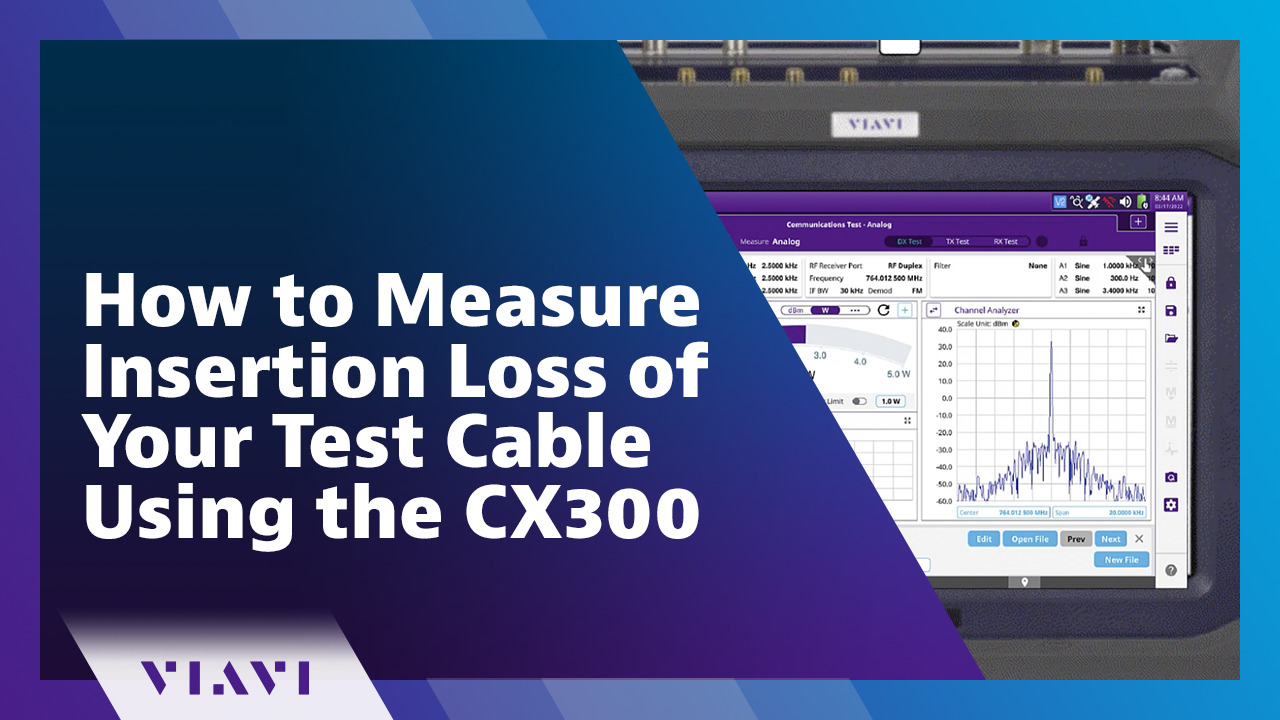
Play video How to Measure Insertion Loss of Your Test Cable Using the CX300
How to Measure Insertion Loss of Your Test Cable Using the CX300
A quick demonstration how to measure cable loss using the CX300.
4:16
-
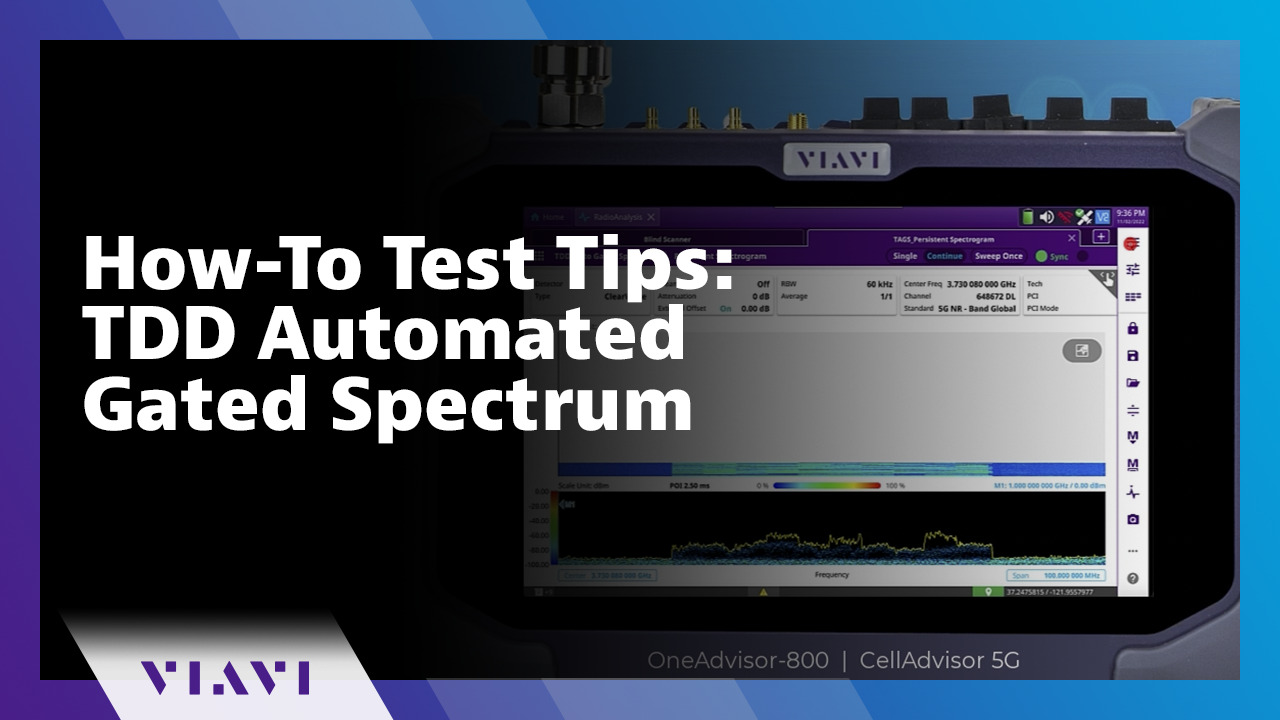
Play video How-To Test Tips: TDD Automated Gated Spectrum
How-To Test Tips: TDD Automated Gated Spectrum
Learn how to use the TDD Automated Gated Spectrum feature on the VIAVI OneAdvisor 800 and CellAdvisor 5G. This feature performs gated spectrum and automatically identifies the uplink timeslot format.
3:10