VIAVI OneAdvisor 800: Platform Overview
4:58
Description
Related Videos
The OneAdvisor-800 is a handheld cell site test device that allows cell site technicians to test fiber, coax, RF, and CPRI/Ethernet from a single instrument, replacing multiple independent tools.
View More
View Less
Related Videos
In OneAdvisor-800
-
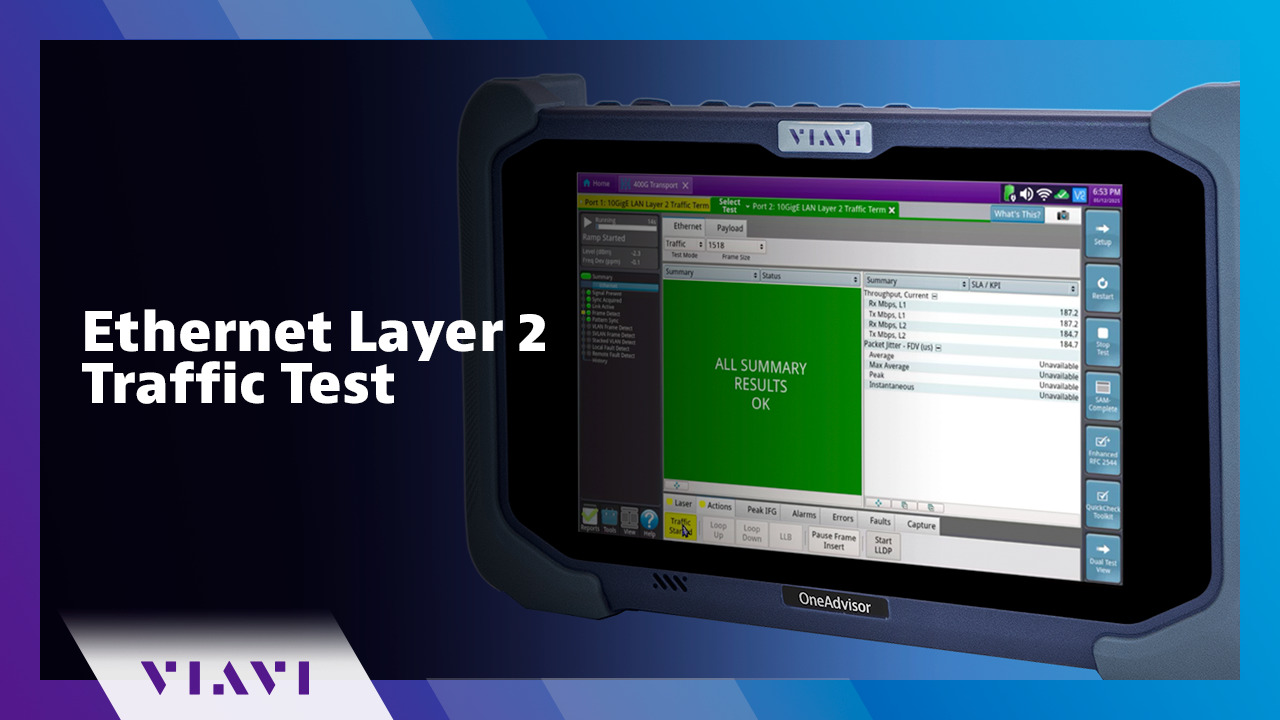
Play video Ethernet Layer 2 Traffic Test
Ethernet Layer 2 Traffic Test
This how-to video shows how to run the Ethernet Layer 2 Traffic test to measure Ethernet key performance indicators (KPIs) in Real TIme.
15:27
-
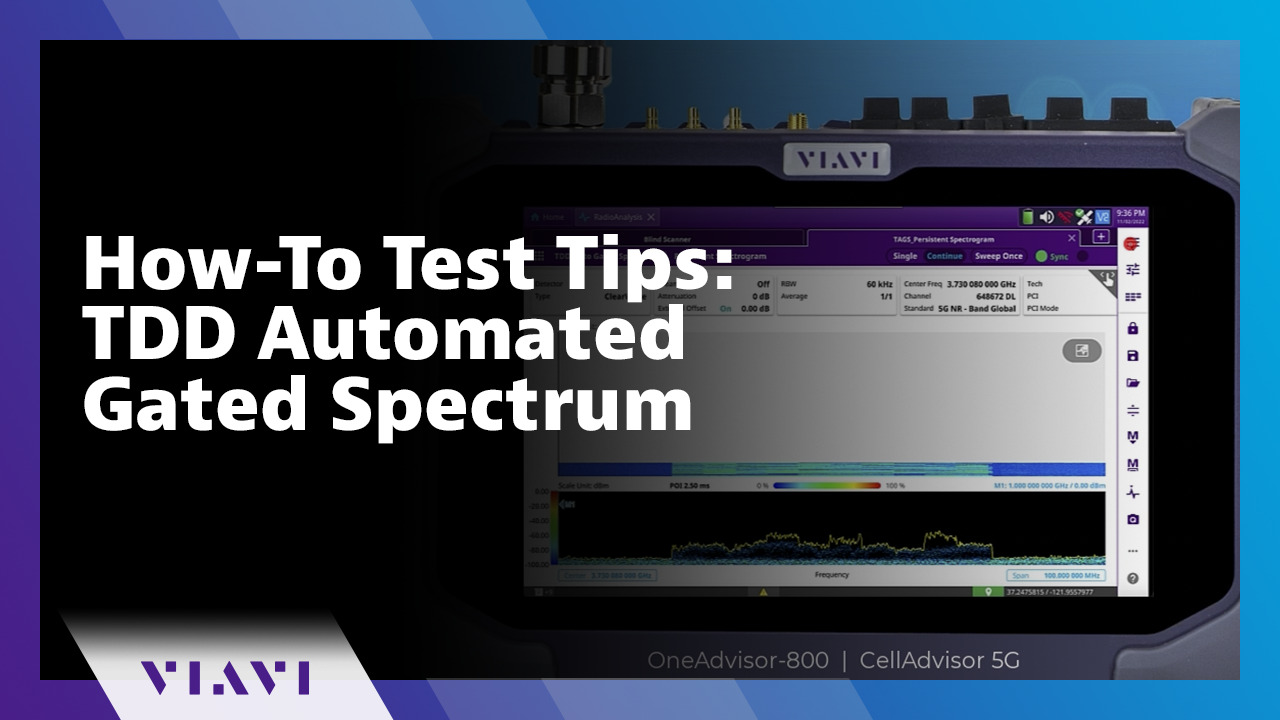
Play video How-To Test Tips: TDD Automated Gated Spectrum
How-To Test Tips: TDD Automated Gated Spectrum
Learn how to use the TDD Automated Gated Spectrum feature on the VIAVI OneAdvisor 800 and CellAdvisor 5G. This feature performs gated spectrum and automatically identifies the uplink timeslot format.
3:10
-
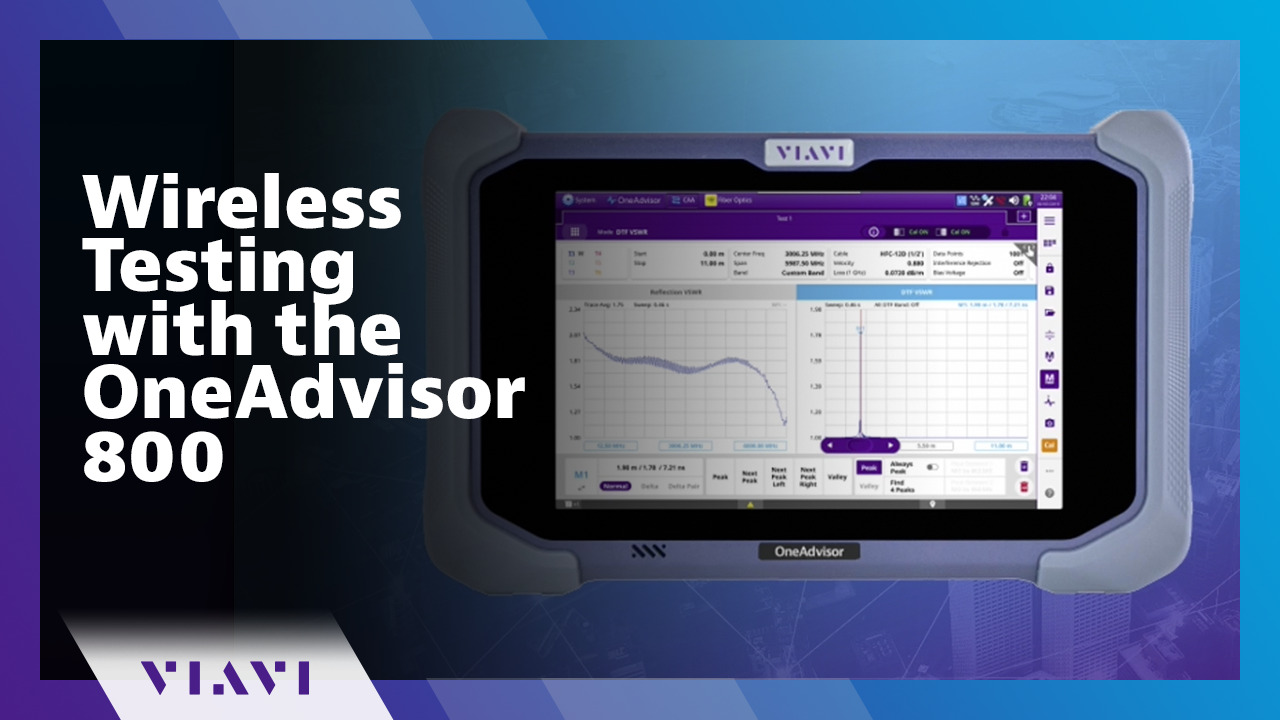
Play video Wireless Testing with the OneAdvisor 800
Wireless Testing with the OneAdvisor 800
Mobility Testing is made easy with the OneAdvisor 800. It addresses key industry challenges and complexity in one, easy-to-use platform. Use the OneAdvisor at installation to ensure service delivery and to troubleshoot issues.
5:00
-
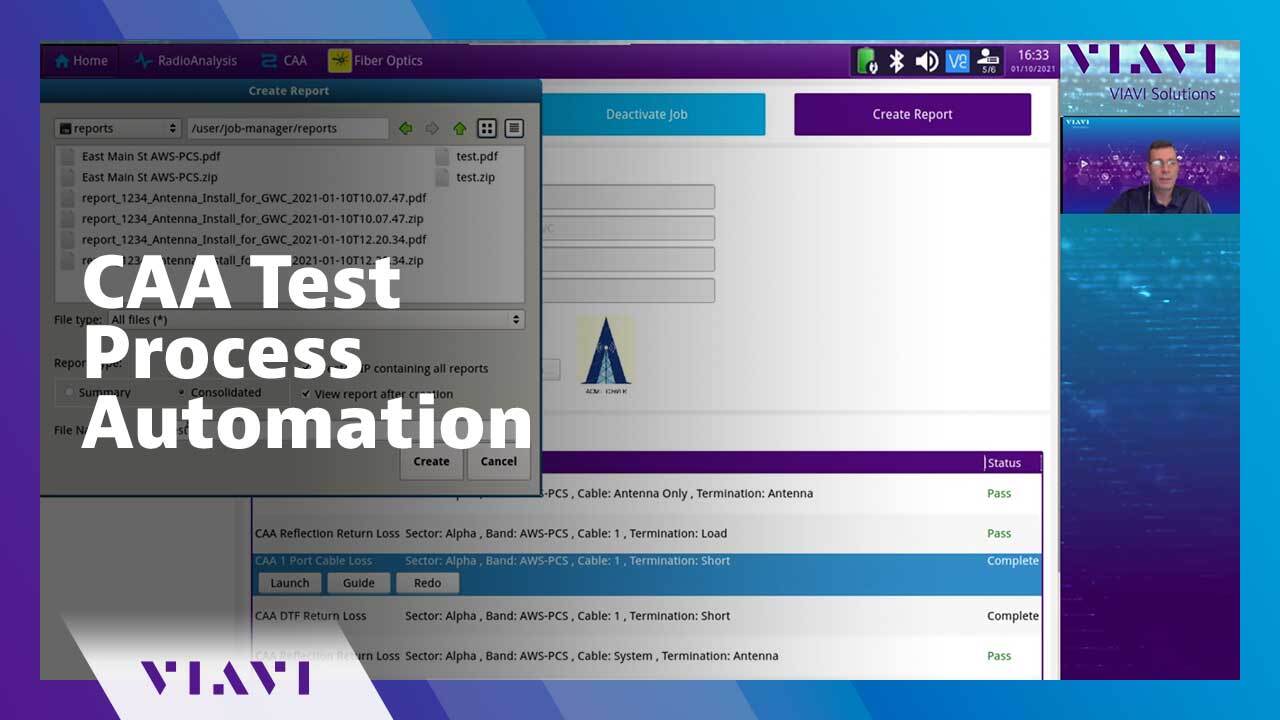
Play video CAA Test Process Automation
CAA Test Process Automation
This videos show how to automate the Cable and Antenna Analyzer (CAA) Sweep Testing test process using the Job Manager on the OneAdvisor 800.
12:50
-
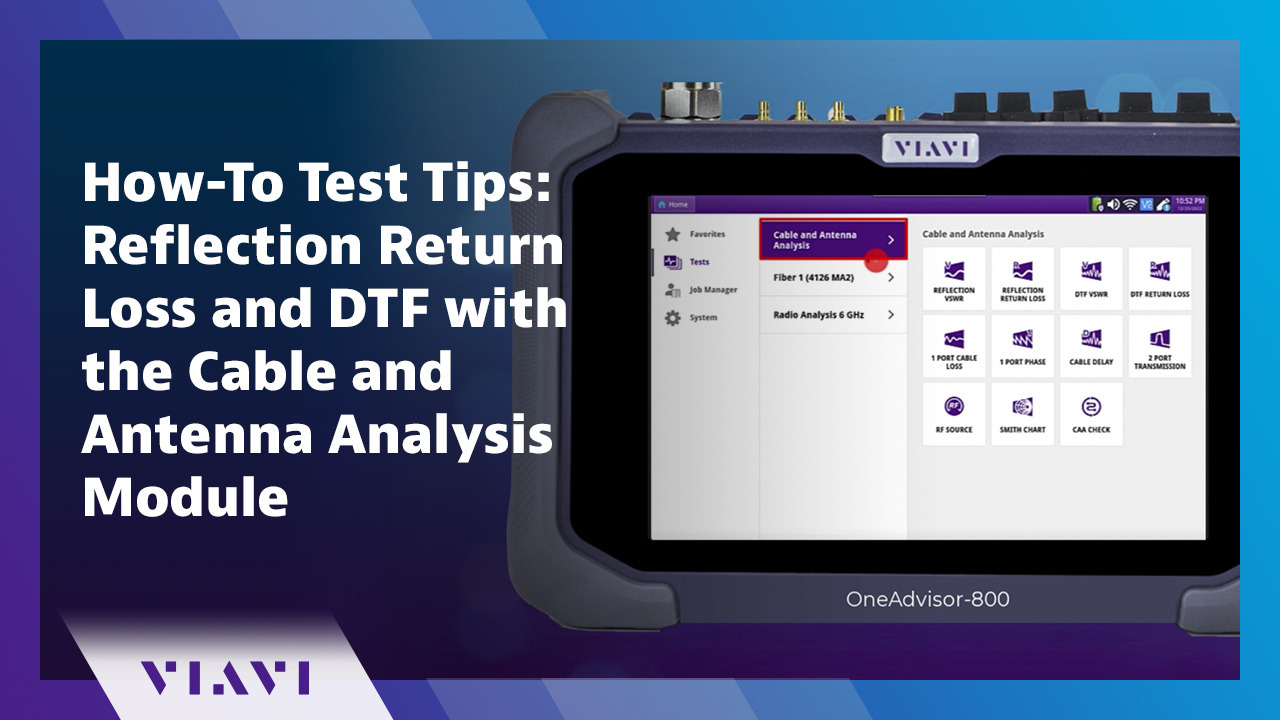
Play video How-To Test Tips: Reflection Return Loss and DTF with the Cable and Antenna Analysis Module
How-To Test Tips: Reflection Return Loss and DTF with the Cable and Antenna Analysis Module
Learn how to use the Cable and Antenna Analysis Module at a cell site to measure reflection return loss on a feed line as well as distance to fault (DTF) quickly and effectively.
5:15
-
Play video Uplink Interference Detection
Uplink Interference Detection
Operators must keep the RF domain around cell sites free of signal interferences and also ensure that their towers do not interfere with each other due to network timing errors. See how VIAVI can help resolve timing and sync issues.
1:55